
Getting started
How it works
Statamic Cache Tracker keeps a record of what items (entries, assets, terms etc) are used in the output of each page, and clears the cache (full or half) for those pages when an item is saved.
The addon should work auto-magically in most cases. It listens for hooks in form, nav and partial tags, as well as augmentation of entries, terms, assets and globals to determine what content is being output.
This data is then added to a cache store that is used to determine what cached data should be invalidated when tracked items are saved or deleted. If you want to clear data on other events (eg clear any page builder elements on entry create), just add a listener and call invalidate on the Tracker facade, for example:
Tracker::invalidate(['partial:_partials/my_pagebuilder_block']);
The default cache is used, or if you have specified a static_cache store this will be used instead. This data will then be cleared when your static cache is cleared.
Control Panel Actions
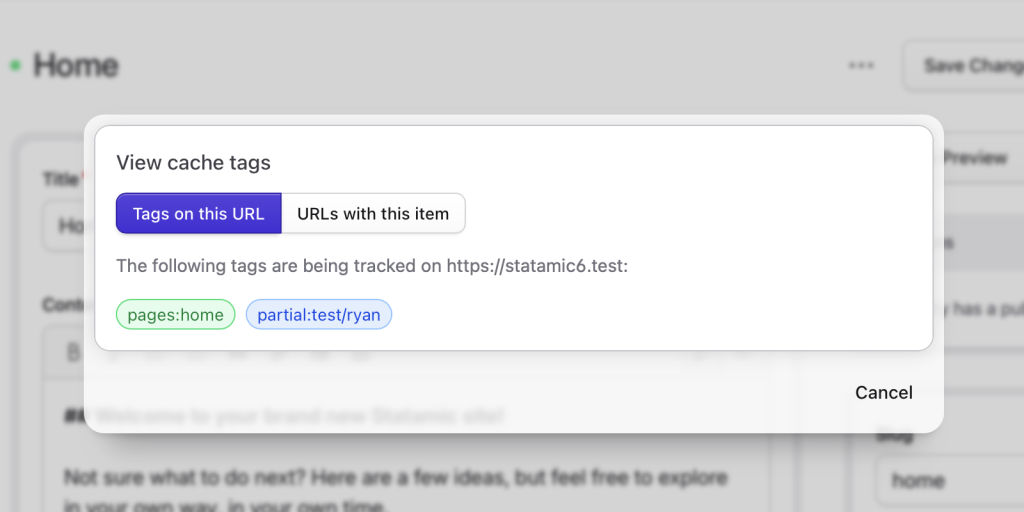
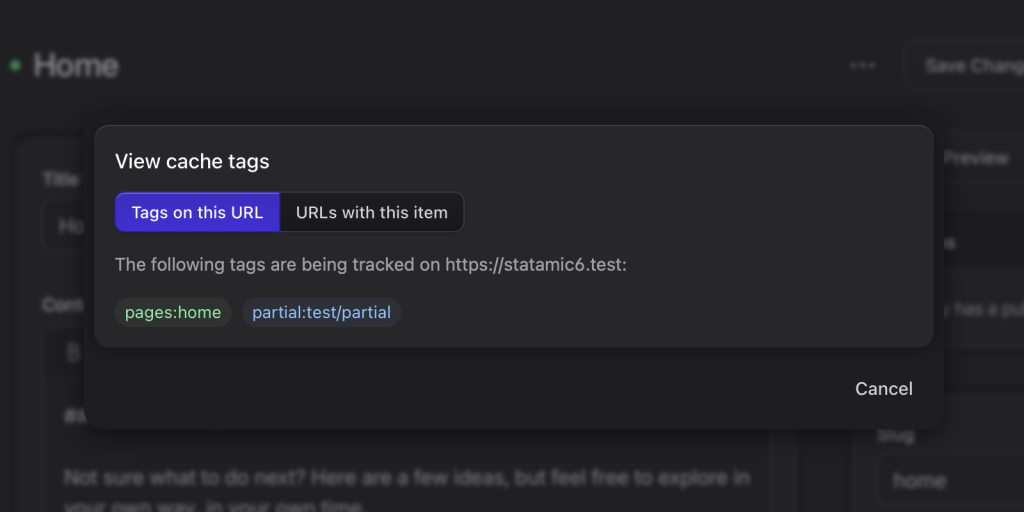
It is possible to see what is being tracked on an entry through the control panel. Go to the edit page for the item you want to see, and select the "View Cache Tags" action.
You should then see a list of tags (if any) being logged on this page, and also a list of other URLs that contain the tag of the item you are viewing.
Control Panel Utility
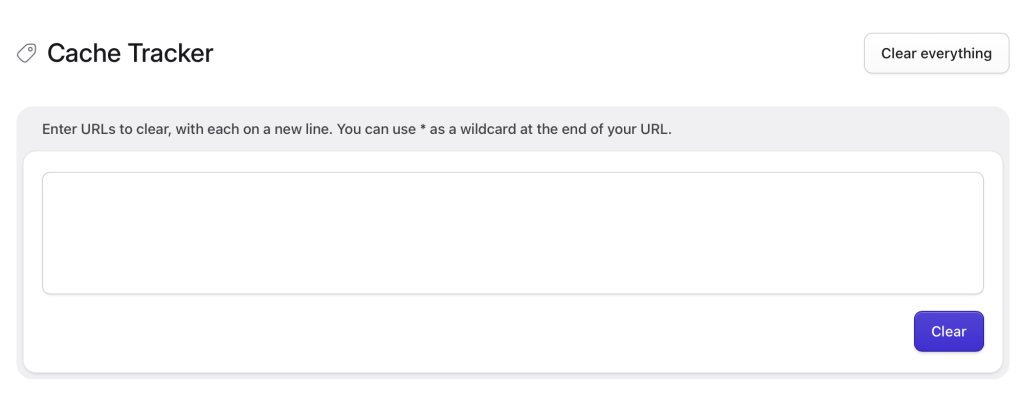
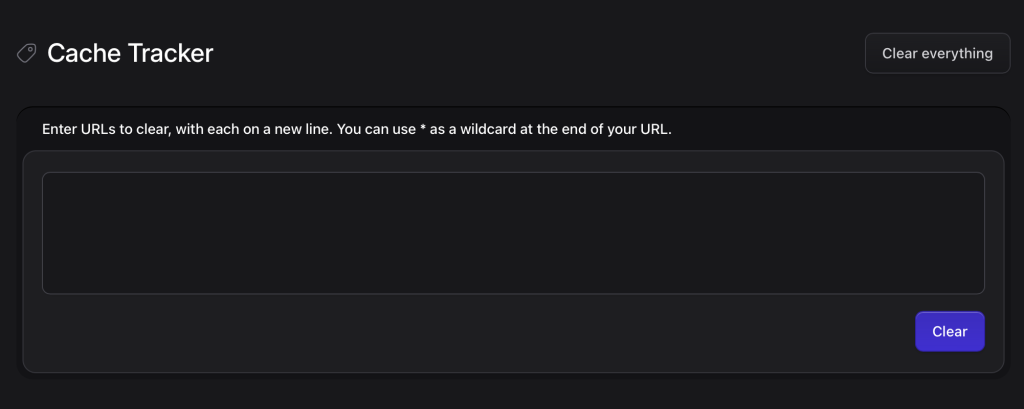
You can clear the cache for specific URLs using the Cache Tracker utility.
Enter one URL per line. Use an asterisk (*) at the end of a URL to clear all cached pages that start with that URL.